Clerk
Dec 23
-
Made really great progress on the main overview screen on the plane home from Geneva.
-
Monthly overview section
-
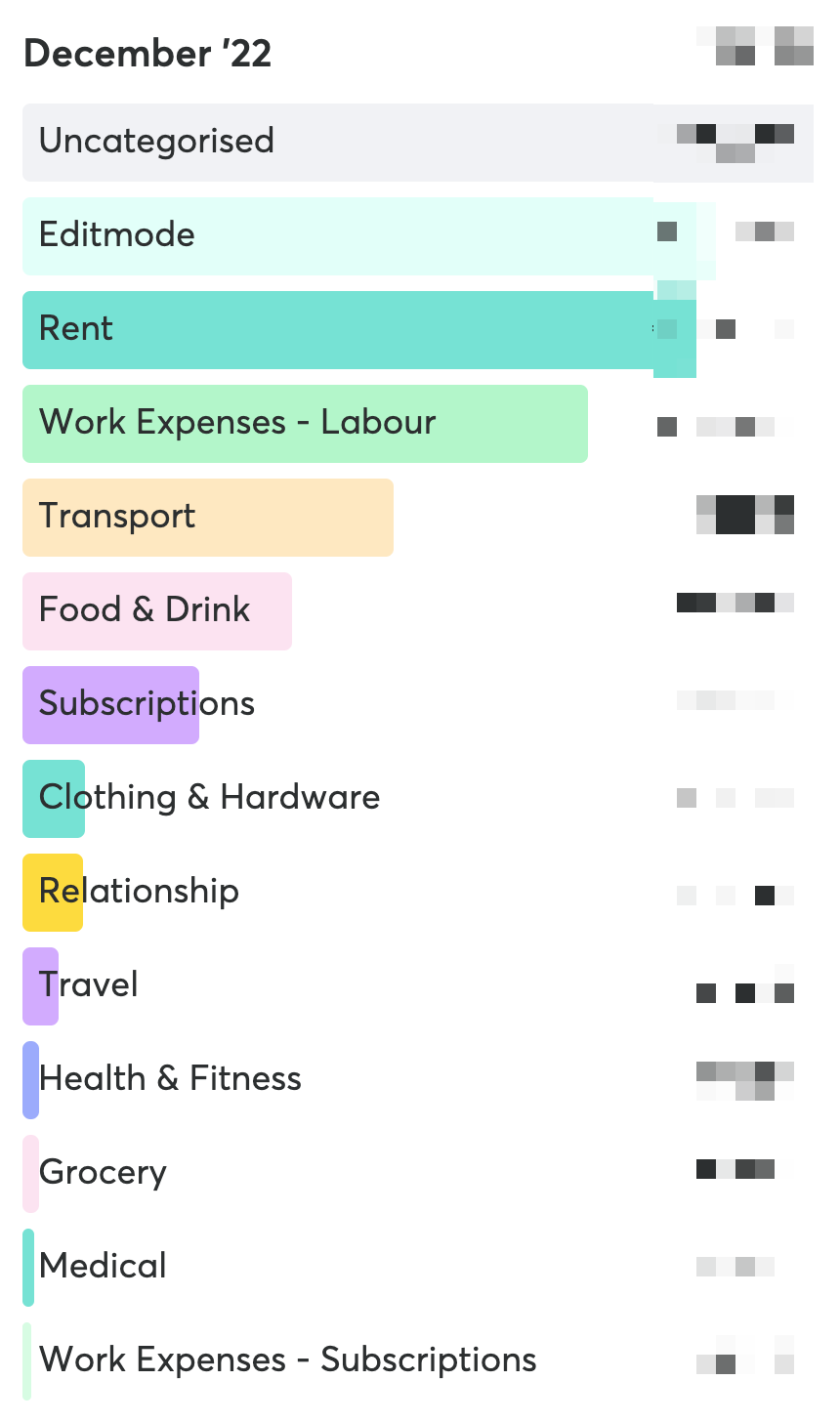
The monthly overview allows you to get a birds eye view of how you've spent money in the months gone by, and quickly categorize transactions on a per transaction or batch basis.
-
-
By default, your transactions are broken down by category. Transactions with no category will be shown as "Uncategorized".
-
Clicking on any of the bars reveals a list of the transactions for that category
-

-
By default, the "Uncategorized" section is ordered by the transaction name, and the other sections are ordered by the day of the month.